About Projects Experience Contact
All work
Loading demo
Marble icon
iOS · Apple Developer Academy · Challenge 4

Marble

Gamified screen-time reduction — an avatar that grows when you doomscroll less. Friction before the scroll, then a better next step.

Onboarding

Name the trap first.

Four beats before setup — the hour that started as one check.

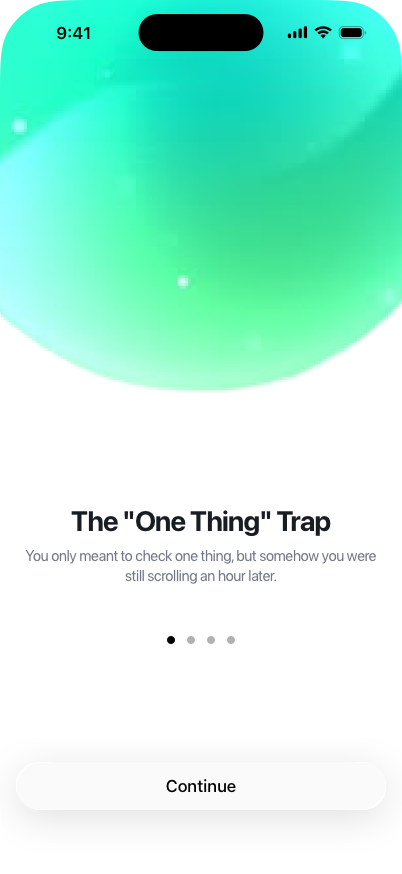
Onboarding — The One Thing Trap
01 · Trap You meant to check one thing. An hour later, still scrolling.
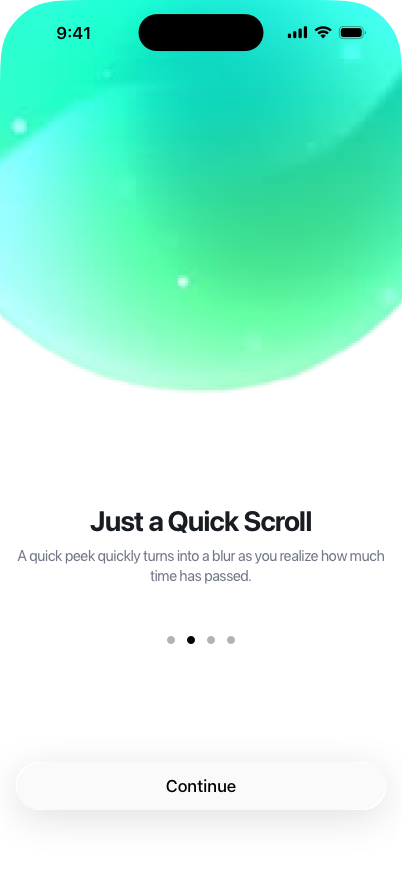
Onboarding — Just a Quick Scroll
02 · Blur A quick peek turns into a blur — time already gone.
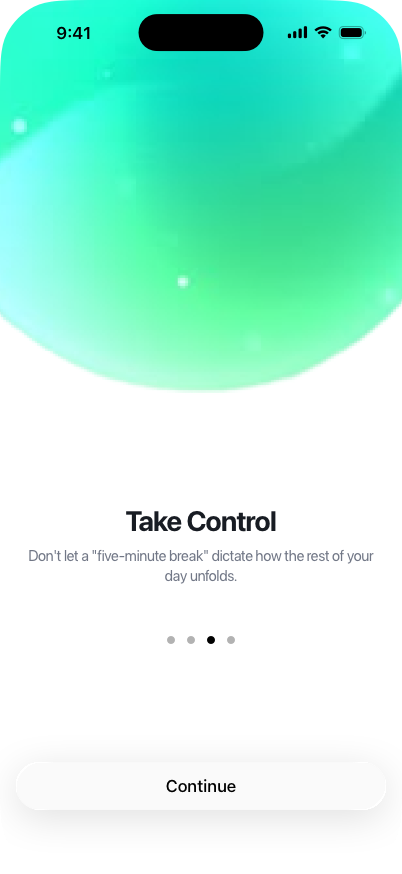
Onboarding — Take Control
03 · Control Don’t let a five-minute break run the rest of the day.
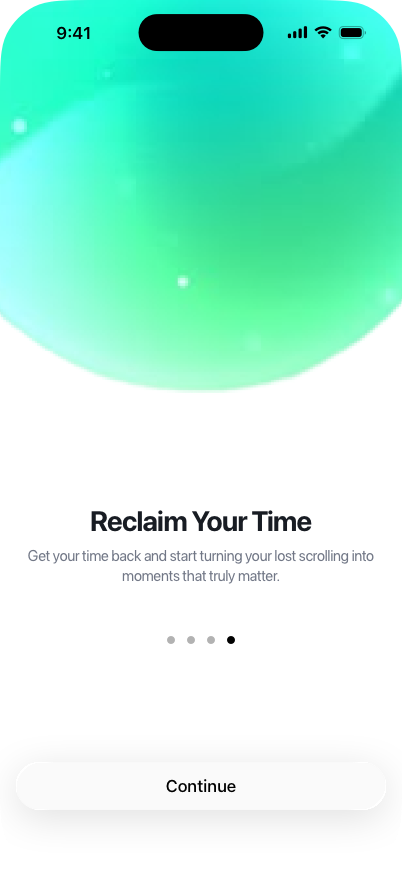
Onboarding — Reclaim Your Time
04 · Reclaim Turn lost scrolling into moments that actually matter.

Setup

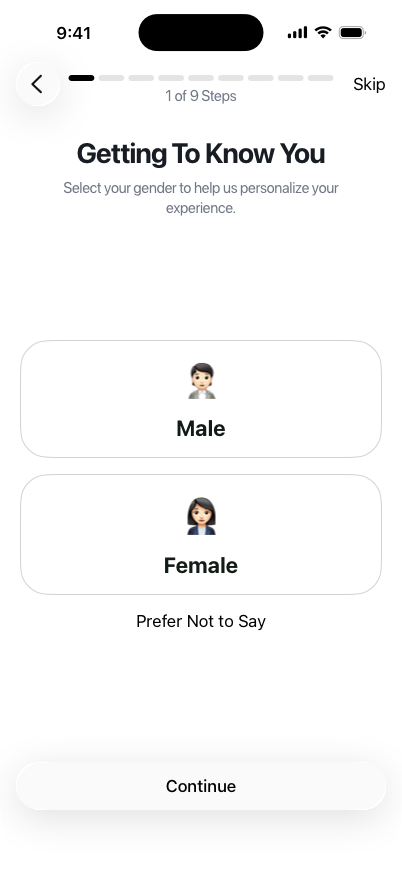
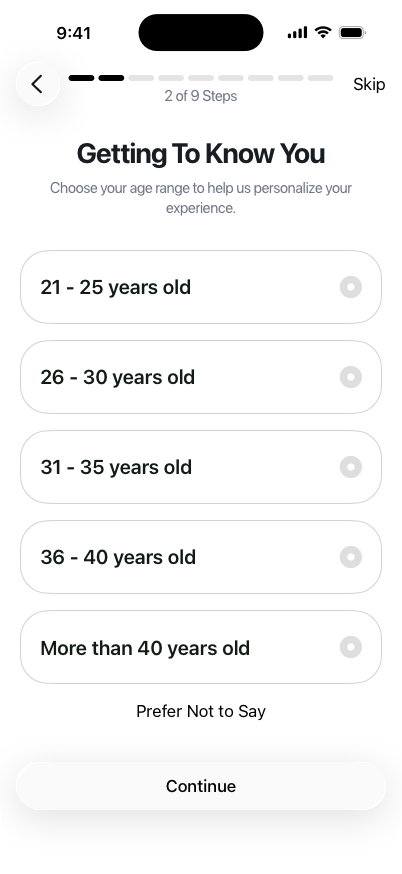
Getting to know you.

Nine steps, skippable. Gender and age first — so the later prompts can fit.

Marble splash
Launch Mint orb, one word — Marble.
Onboarding — select gender
01 of 9 · Gender Male, Female, or prefer not to say.
Onboarding — choose age range
02 of 9 · Age Age band so the experience can personalize.

Friction

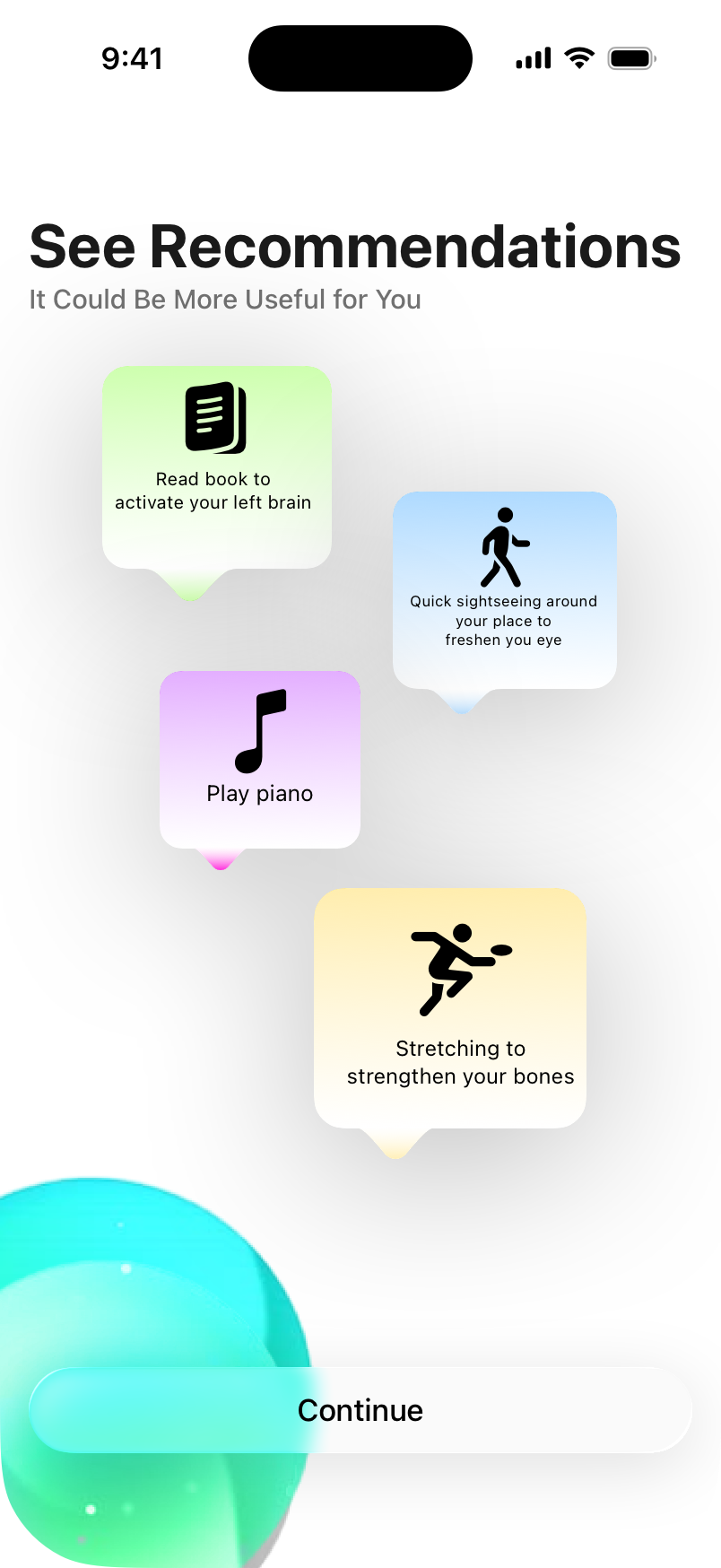
Don’t just block. Offer a next step.

When the scroll itch hits — a book, a walk, piano, a stretch.

See recommendations — alternative activities
Recommendations Read, walk, play, stretch — instead of opening the feed.
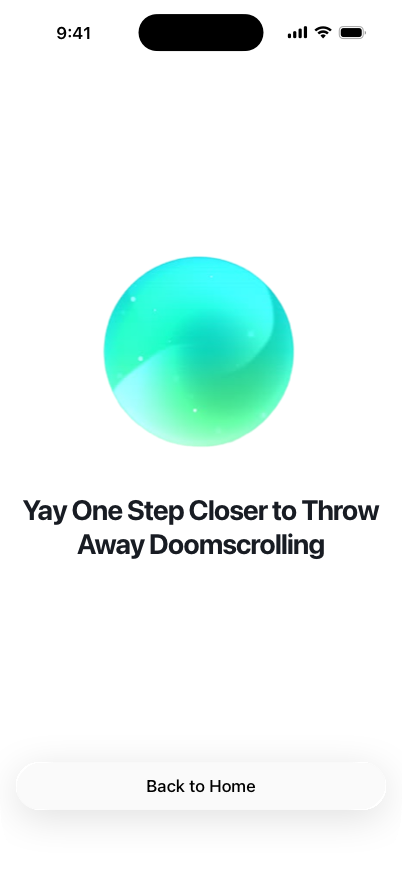
One step closer to throwing away doomscrolling
Closer One step closer to throwing doomscrolling away. Back to home.

Stack

SwiftUI. Screen Time.

DeviceActivity, FamilyControls, ManagedSettings, UserNotifications. Apple Developer Academy Challenge 4.