About Projects Experience Contact
All work
Loading demo
iOS · Apple Developer Academy

CraFit

Walk it off. Craving is a signal, not a command — name what you’re changing for, tap when it hits, then chase an object in AR until the urge has somewhere else to go.

Onboarding

Name the signal first.

Three beats before the tap — what a craving is, how long it lasts, what to do with it.
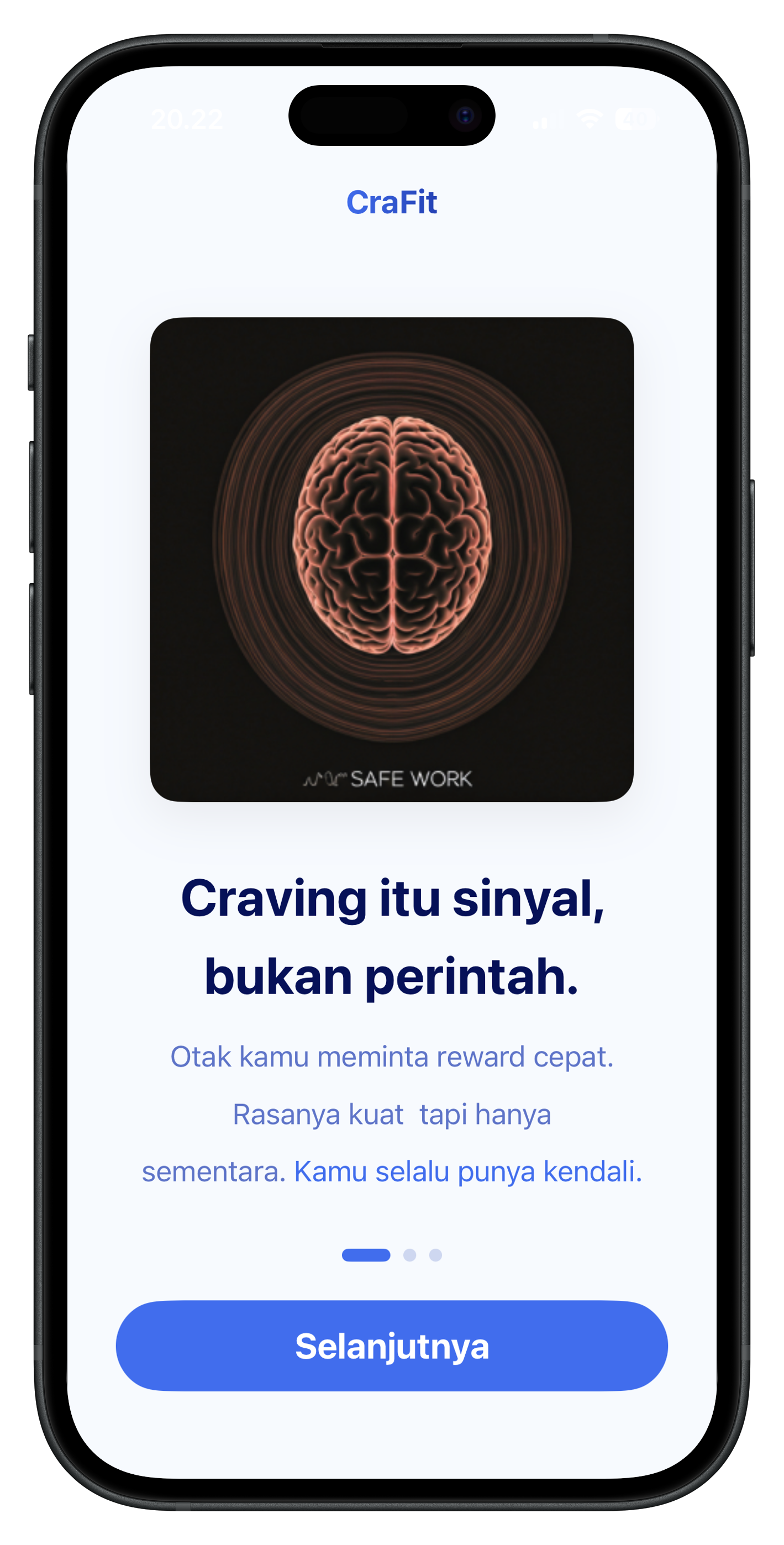
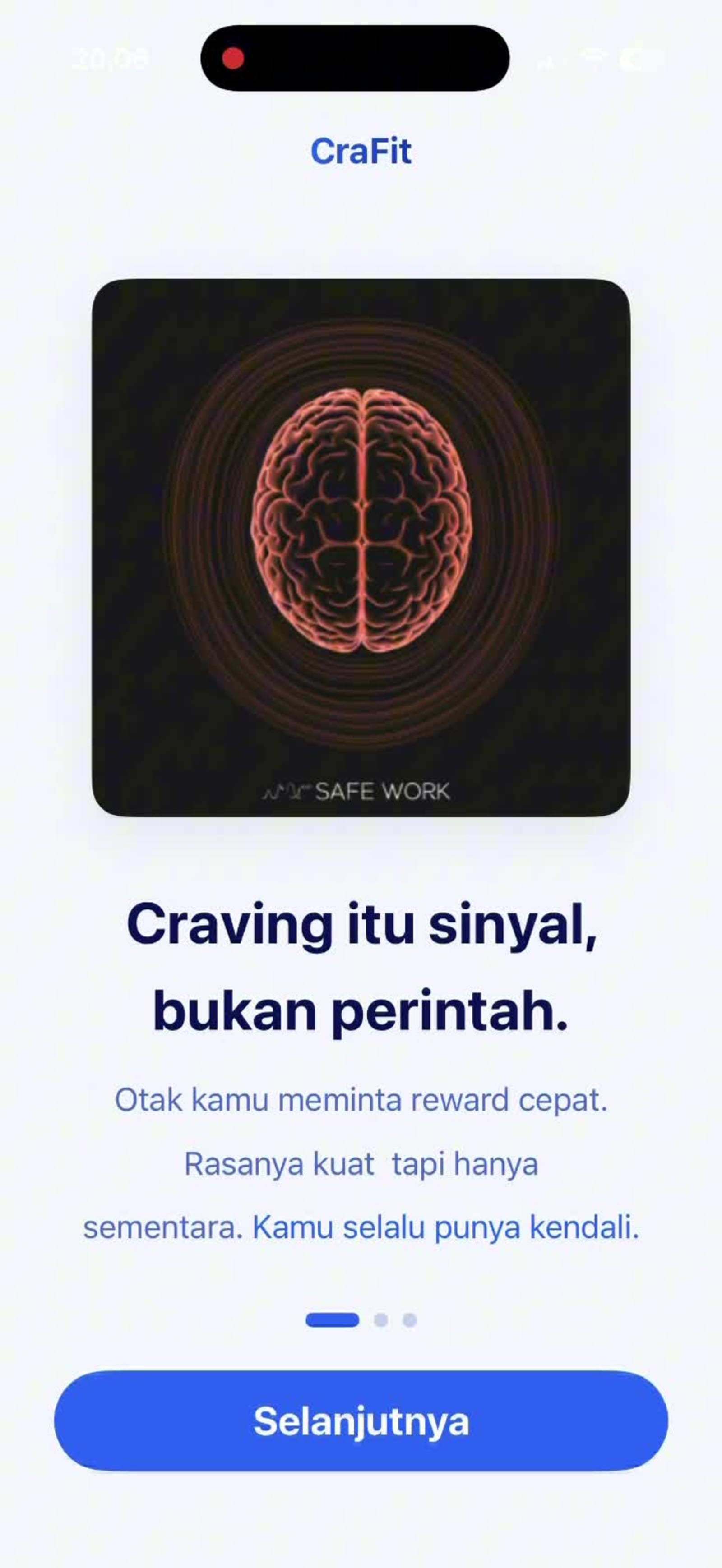
Onboarding — craving is a signal, not a command
01 · Signal The brain wants a fast reward. It feels loud. You still have control.
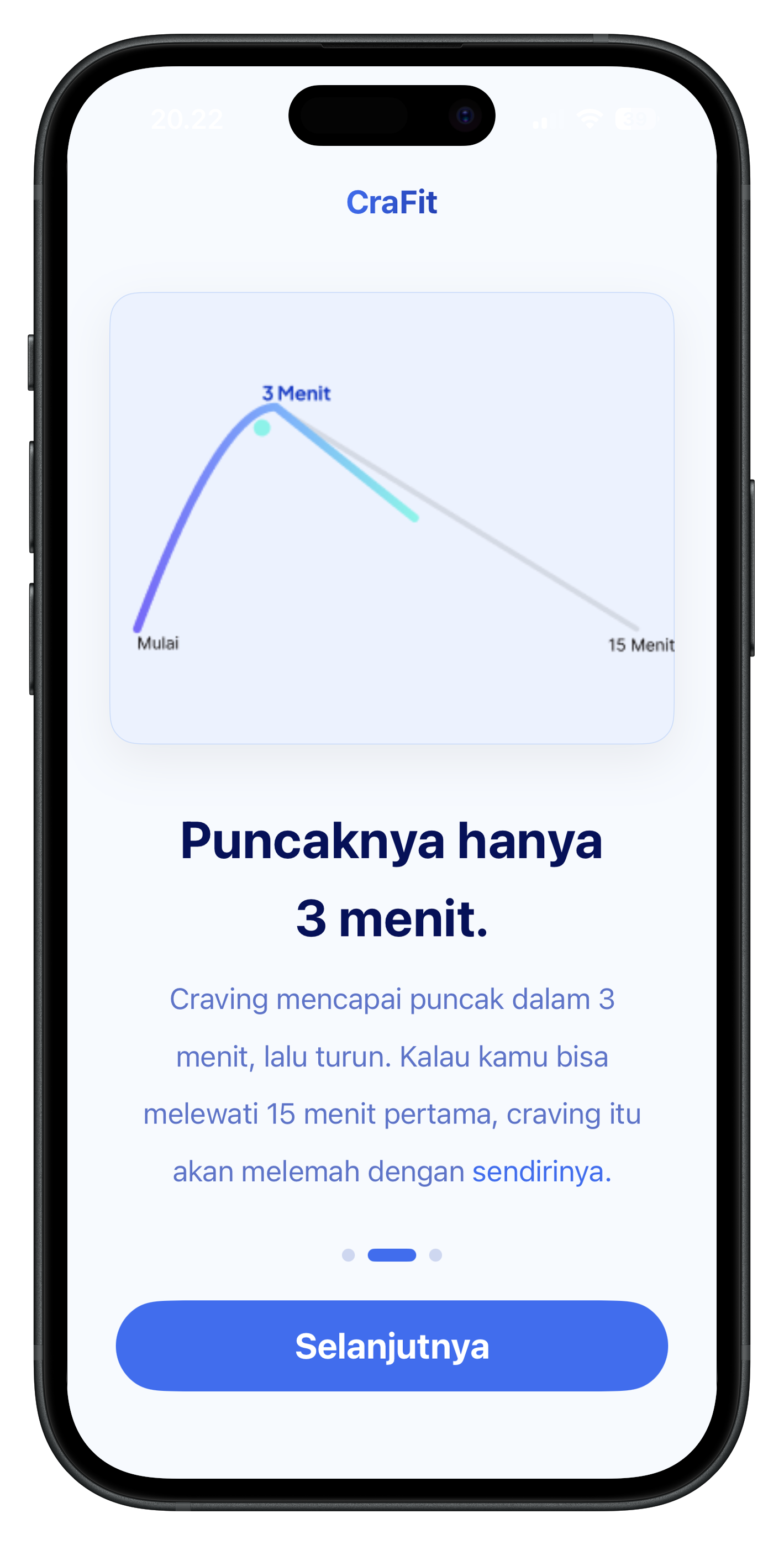
Onboarding — the peak is only three minutes
02 · Peak It crests at three minutes. Get past fifteen and it fades on its own.
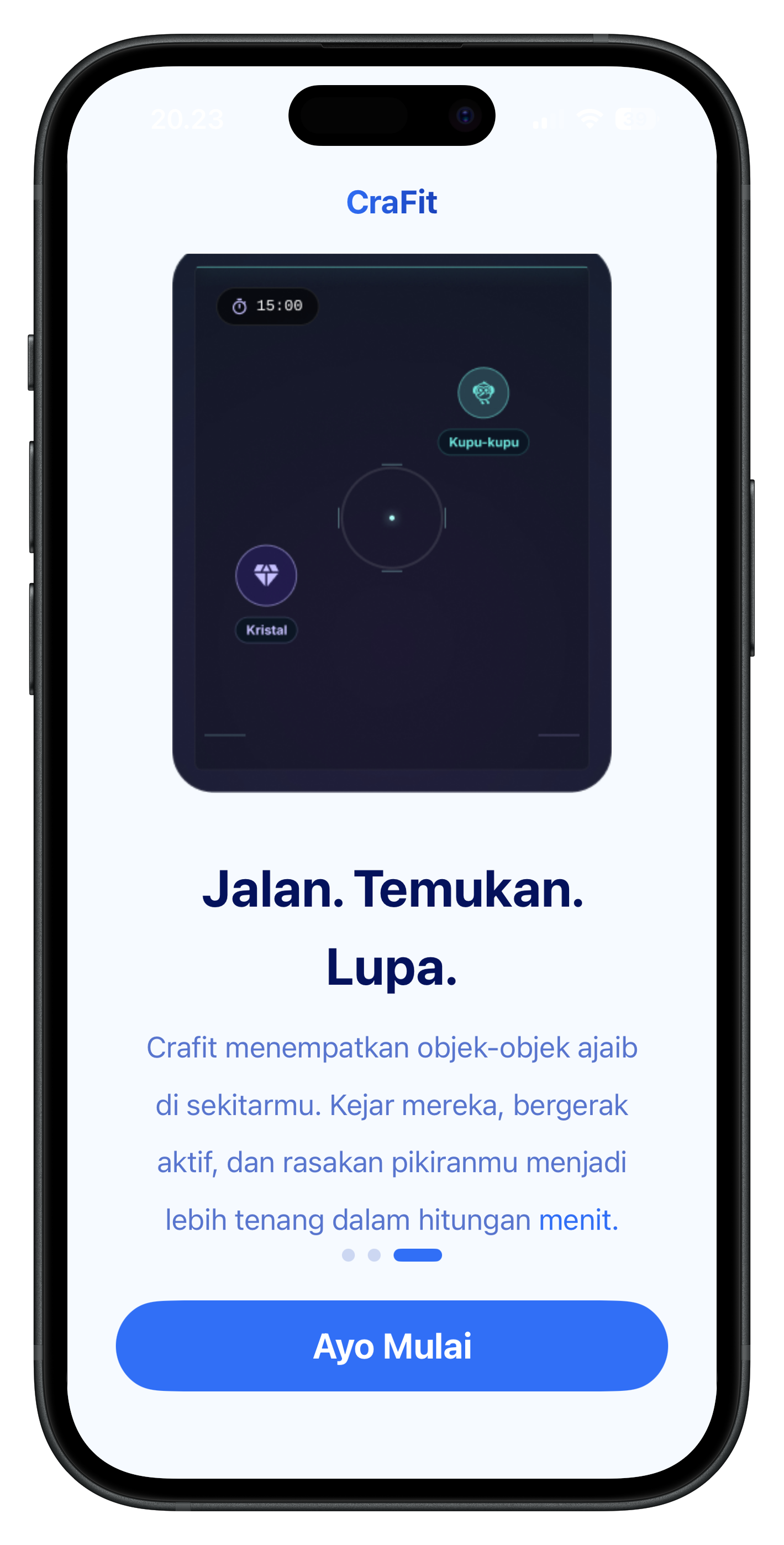
Onboarding — walk, find, forget
03 · Walk Objects in the room. Chase them. The mind quiets in minutes.

The tap

One button when it hits.

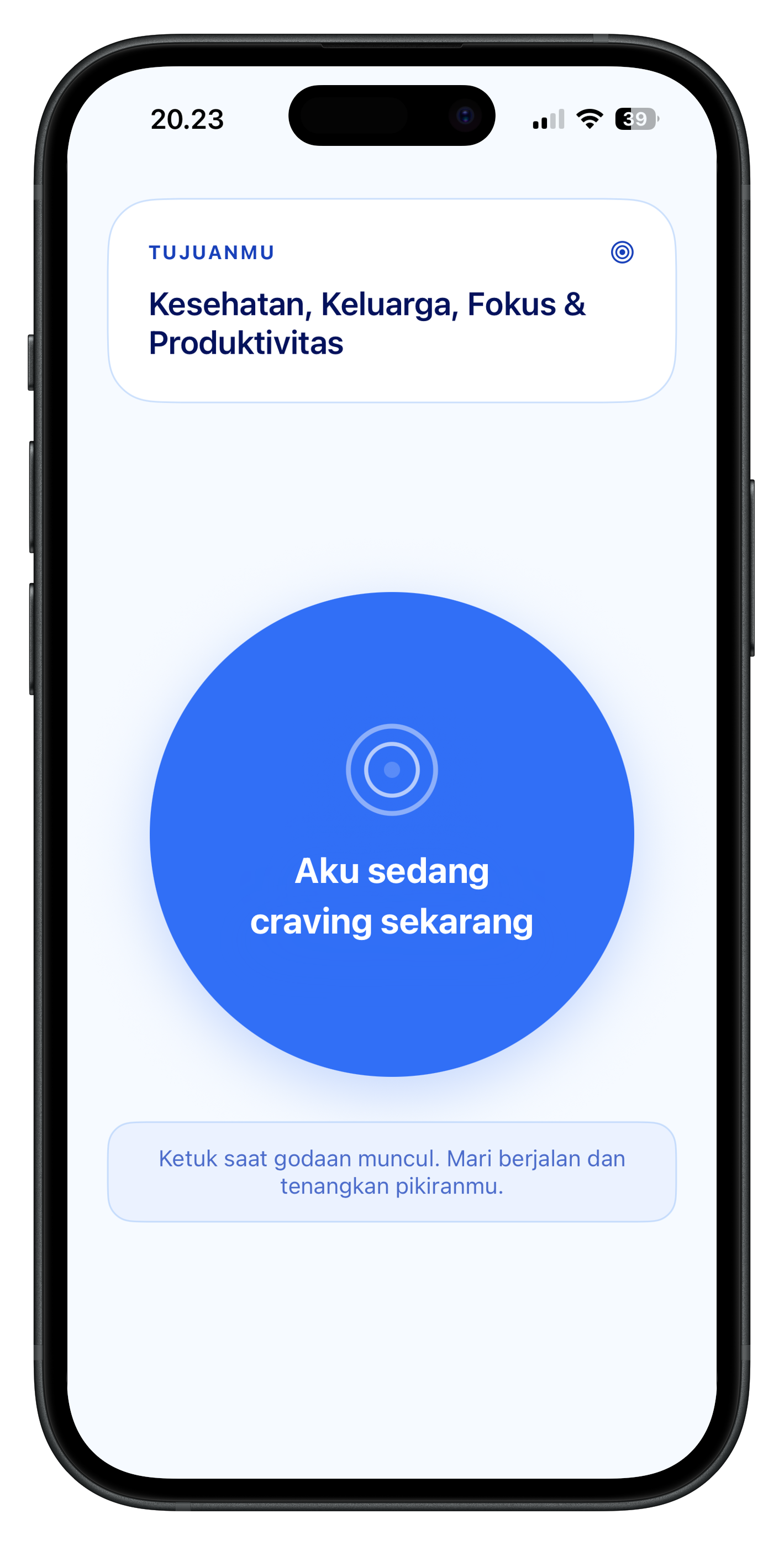
Splash, then goals, then the big blue — I’m craving now.

CraFit splash — Walk it Off
Launch One line under the name — Walk it Off.
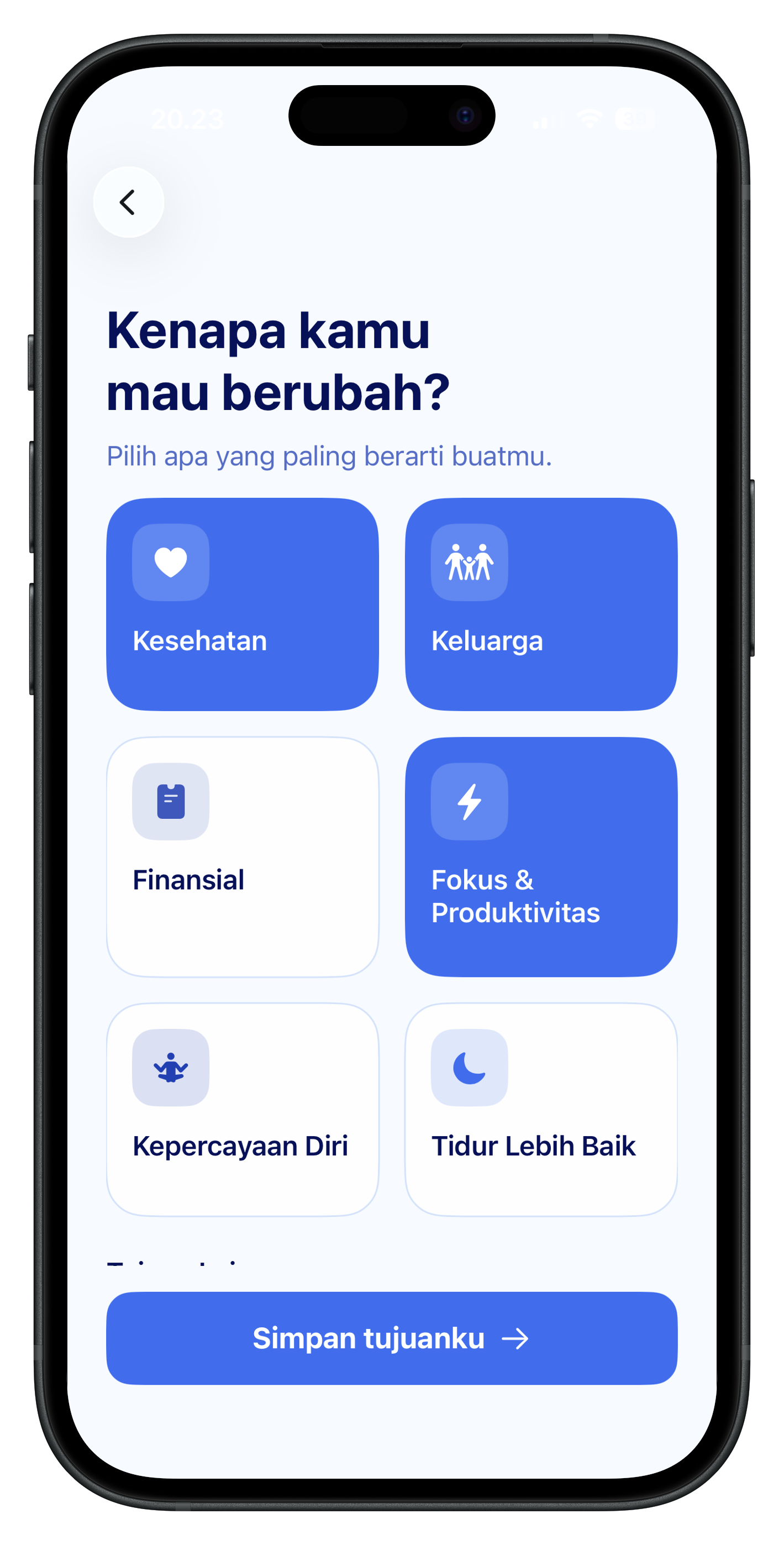
Why do you want to change — health, family, focus selected
Goals Health, family, focus — whatever you’re walking for.
Home — I’m craving now
Now Tap when the urge shows. Walk. Calm the mind.

In the room

AR until the peak passes.

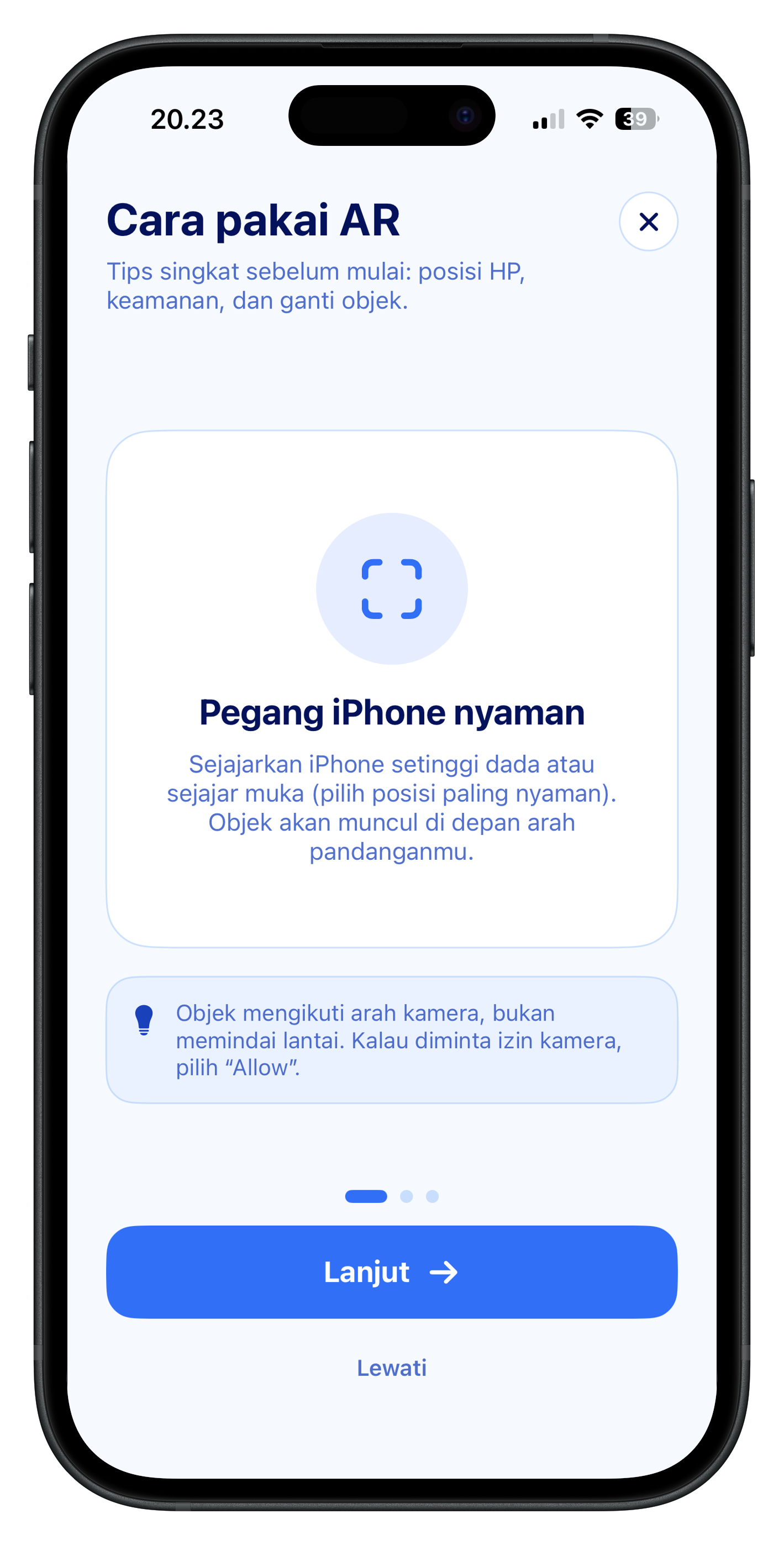
Hold the phone. Place the body. Pause if you need — time is still on the clock.

How to use AR — hold iPhone at chest height
Hold Chest or eye height. The object follows the camera, not the floor.
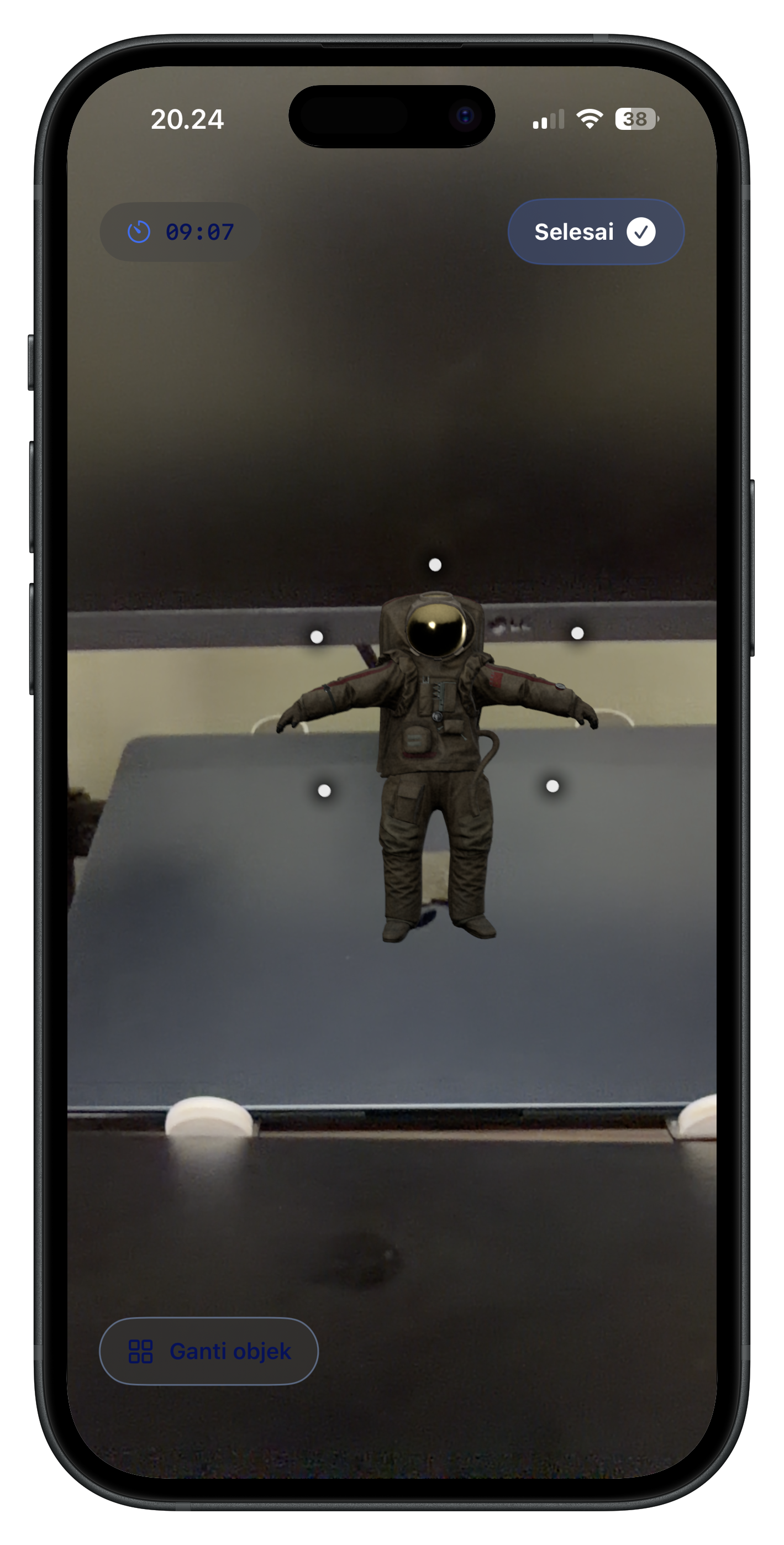
AR session — astronaut in the room with a timer
Session Timer running. Change object. The astronaut is in the room.
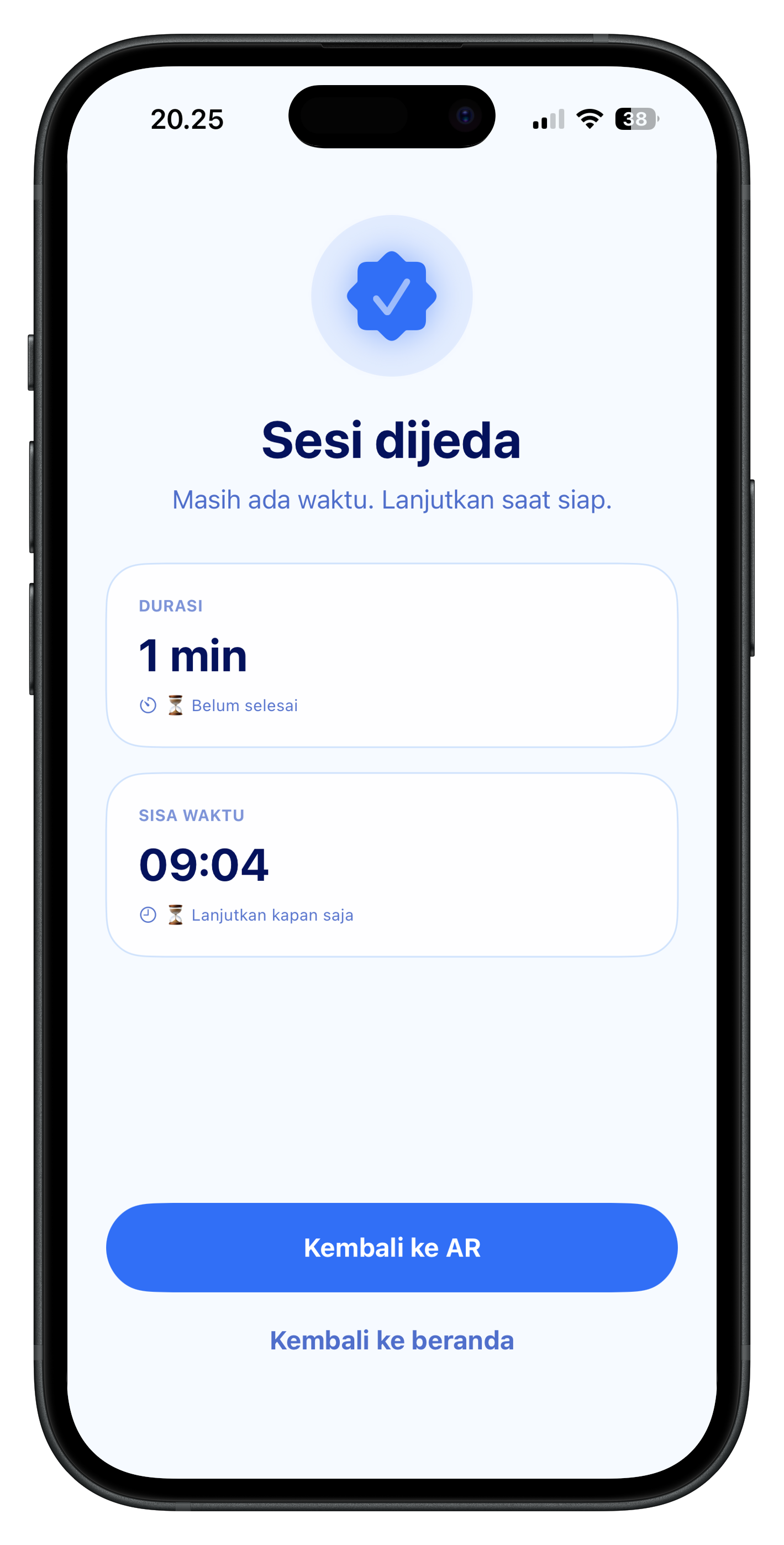
Session paused with time remaining
Paused Time left. Back to AR, or back home.

Stack

SwiftUI. ARKit.

RealityKit in the room. A timer on the session. Built at Apple Developer Academy Cohort 7.